OpenArt Image to Vector & Print-Ready Artwork
OpenArt is different from many AI image platforms because it functions as a broader creative workspace rather than tying the user to a single generation model or one rigid workflow. Creators can generate artwork, work from reference images, develop consistent characters, edit existing images, explore different visual styles and move between different AI models as a project develops.
That flexibility makes OpenArt particularly useful for apparel brands, print-on-demand businesses, illustrators, marketers, eCommerce sellers and creative teams producing artwork intended for real products. RayStar Labs takes your finished OpenArt concept and handles the professional production stage, transforming AI-generated artwork into clean, properly prepared files for apparel, packaging, signage, stickers, promotional products, marine graphics and other commercial applications.
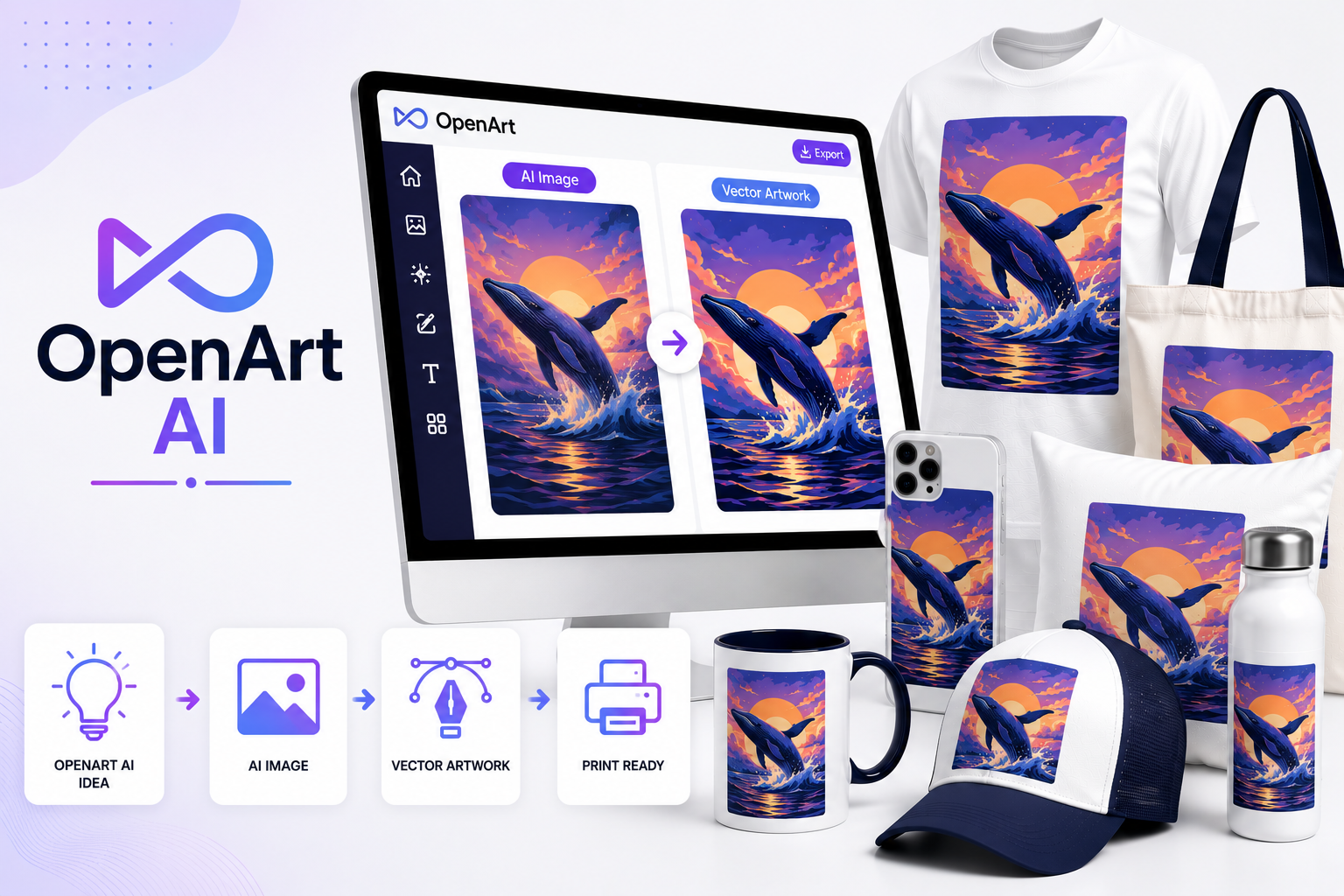

Why Creators Choose OpenArt
OpenArt's strength is workflow flexibility. Instead of forcing every project through the same generation process, creators can experiment with different models, reference images, styles and editing techniques until they achieve the desired result.
That is particularly valuable commercially because different projects need different things. A photorealistic product campaign may require one workflow. A vintage T-shirt illustration may need another. A children's character collection needs consistency. A sticker design may need clean isolation and transparency. OpenArt gives creators the freedom to build around the project.
RayStar Labs then prepares the selected result around the production method.
We Understand the OpenArt Workflow
Experienced OpenArt users may move through several stages before reaching their final image.
Their workflow can involve:
Text-to-image generation
Image-to-image generation
Character consistency tools
Style References
Pose and composition guidance
Inpainting
Background replacement
Object removal and replacement
Image expansion
Upscaling
Model experimentation
Iterative image editing
This matters when preparing artwork professionally because the final image may contain elements created
through several different AI operations rather than one simple generation.
We inspect the artwork as a complete production asset and correct what needs to be corrected.
OpenArt Gives You Creative Freedom.
We Give You Production Control.
An OpenArt image can look completely finished on-screen while still requiring significant work before it can be manufactured.
A print provider may need clean transparency.
A packaging company may require bleed and a dieline.
A screen printer may need colour separation.
A sign company may need the artwork enlarged
dramatically.
A vinyl company may need actual vector cut paths.
An embroidery company needs stitch data rather than
pixels.
RayStar Labs bridges that gap between AI creation and physical production.
What We Can Do With Your OpenArt Images
We transform AI-generated artwork into premimum production-ready files for commercial use.
Refine existing OpenArt images
Create new artwork using OpenArt
Preserve characters and visual styles
Repair AI-generated imperfections
Remove or reconstruct backgrounds
Recreate lettering and typography
Improve artwork for large-format reproduction
Manually recreate suitable artwork as vectors
Prepare files for specific printing processes
Deliver editable professional source files
OpenArt and Multi-Model Creation
One of OpenArt's most useful characteristics is that creators aren't necessarily restricted to one underlying AI model. That allows experienced users to choose different generation approaches depending on the artwork they are trying to create.
For RayStar Labs, the important point isn't simply which model generated the pixels. We examine what the resulting artwork needs to become.
If it becomes a 15-foot sign, we prepare it for large format.
If it's a decal, we prepare the appropriate production geometry.
If it's packaging, we build the production layout.
The final manufacturing process determines our workflow.
Consistent Characters for Commercial Projects
Character consistency is particularly valuable for commercial artwork. A company may need the same mascot or illustrated character across:
Generating each image independently can cause facial features, clothing,
proportions and colours to change.
OpenArt's character-oriented workflows can help creators establish a
recognizable subject across multiple scenes and compositions.
Once those concepts are approved, RayStar Labs can further standardize important elements such as colours, logos, typography and graphic details across the production files.
OpenArt for Apparel & Print-on-Demand
OpenArt is particularly useful for creators developing artwork for merchandise.
But a generated image still needs to be evaluated according to the decoration method.
OpenArt for Stickers and Decals
AI-generated sticker artwork often appears deceptively
simple.
A creator sees an isolated character on a clean background
and assumes the file is finished.
The production provider may still need the artwork prepared for the actual manufacturing process.
RayStar Labs prepares the design according to the actual
sticker or decal production workflow.
This is especially useful for
marine decals, vehicle graphics, equipment labels
and branded promotional stickers.
OpenArt for Product & Packaging Concepts
OpenArt can also be used to explore packaging graphics,
product imagery and branded visual directions.
A generated package is normally a
visual concept, not an actual
packaging production file.
The beautiful box shown in the AI image doesn't contain
the manufacturer's real dieline.
RayStar Labs takes the approved visual direction and builds the technical artwork required by the packaging manufacturer.
AI Editing Can Create Hidden Print Problems
OpenArt's editing tools allow creators to replace objects, modify areas of an image and reconstruct backgrounds without recreating the entire composition.
That flexibility is extremely useful.
However, generative edits can sometimes introduce subtle problems that are difficult to notice at screen size:
Those defects can become much more obvious when an image is printed several feet wide. We inspect and correct these areas before production.
From OpenArt to Adobe Illustrator
This is where the RayStar Labs workflow becomes particularly important.
When an OpenArt design contains elements that should behave as true graphics rather than pixels, our artists can manually recreate them in Adobe Illustrator. That can include:
The result isn't simply an OpenArt PNG saved with an .AI extension. It is genuine editable vector artwork rebuilt for professional production.
A Workflow Many Creators Will Recognize
OpenArt handles creative exploration. RayStar Labs handles the production engineering of the artwork.
A typical project may move through:
That separation allows creators to continue using AI freely without needing to master every technical requirement of commercial printing.
Common Problems Print Shops Receive
A customer sends a beautiful OpenArt image. Then production discovers problems that weren't obvious on screen.
These are exactly the kinds of problems our production artists solve — transforming AI-generated concepts into artwork that is technically prepared for real-world manufacturing.
Printing Methods
Your OpenArt-generated artwork can be professionally prepared for:
Every project is prepared according to the requirements of the final production process rather than simply converted into another file format.
What You'll Receive
Professional artwork prepared for your business and production workflow.
Production-Ready Artwork
Prepared specifically for your intended printing or manufacturing method.
Editable Vector Files
AI, EPS, SVG, PDF, PSD, PNG, JPG where vector artwork is appropriate.
Human Quality Control
Every project is manually reviewed before delivery.
Professional Raster Files
PSD, PNG, TIFF and other high-resolution formats when raster production is the correct solution.
Why Choose RayStar Labs?
OpenArt gives creators enormous freedom to generate, experiment, edit and develop artwork through AI.
RayStar Labs provides the professional production layer after that creative process.
We don't expect you to understand vector paths, effective print resolution, colour
separations, bleed, dielines, embroidery digitizing or large-format production.
Tell us what you've created and what you want to produce.
We'll determine what needs to happen between those two points.
Frequently Asked Questions
Everything you need to know about preparing OpenArt artwork for professional printing and production.
Created It in OpenArt? Let's Put It Into Production.
Upload your OpenArt artwork, tell us what you're making and provide any production specifications you already have. We'll handle the professional preparation required to turn the AI concept into a commercially usable file.